
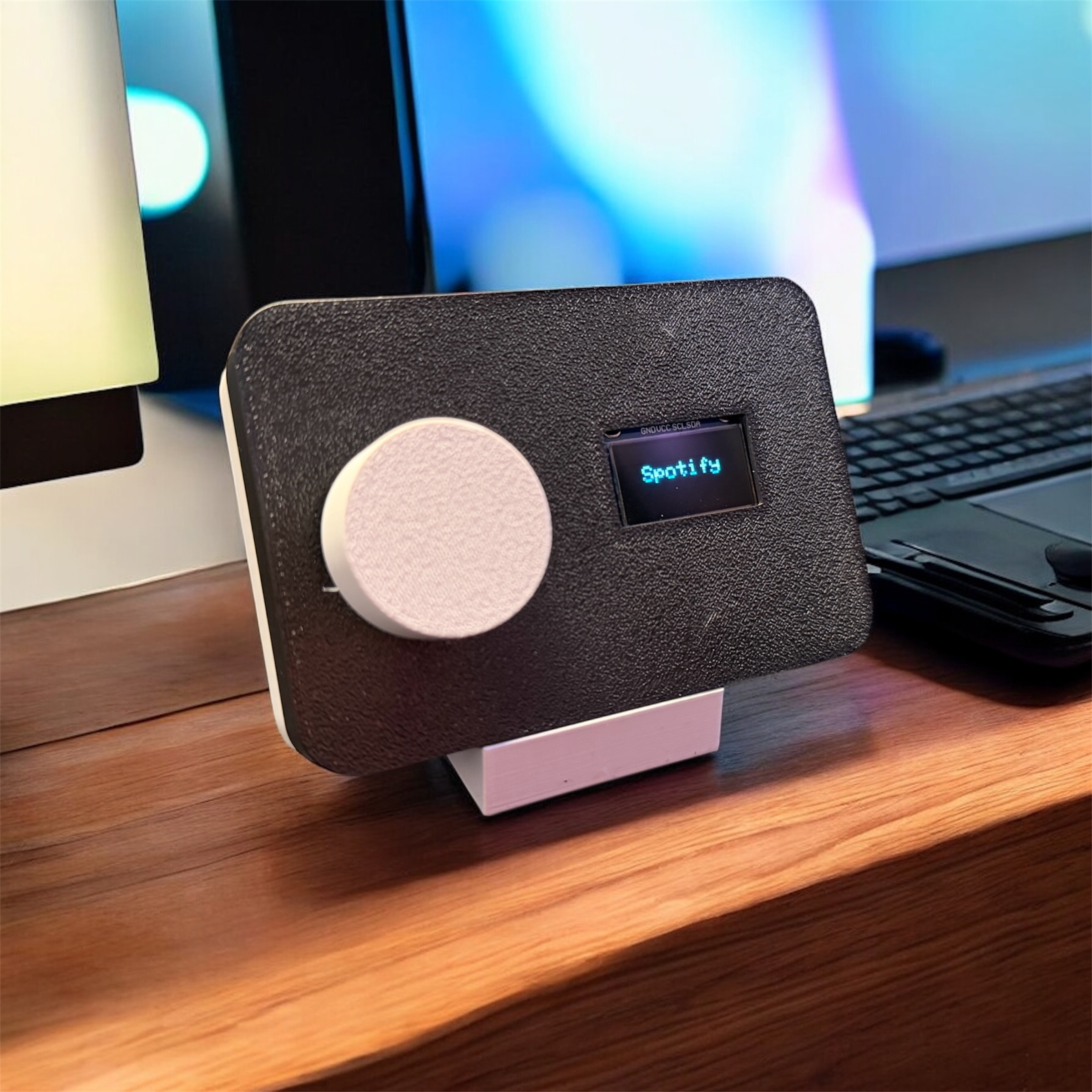
I love tools like the Bluetooth Stream Deck that do one thing well.
Not everything on a desk needs to glow, animate, or compete for attention. When I started working on this minimalist Bluetooth stream deck, my goal wasn’t to build the most powerful controller possible — it was to build something quiet. Something tactile, focused, and intentional. A device that fades into your workspace until you need it.
This project is inspired by the excellent Streamo build on Instructables, which demonstrates how much functionality you can get from a small ESP32, a rotary encoder, and an OLED screen. I used that project as a technical starting point, then made deliberate changes to better match how I actually want to interact with a device like this.
What I Kept — and What I Changed
The original Streamo project uses firmware-defined apps and button mappings. Configuration happens directly in code, which is powerful but assumes you want to recompile and reflash whenever you change behavior.
That works well for many makers.
However, for my own workflow, I wanted something different.
Instead of modifying the firmware for every change, I added a locally hosted configuration webpage that runs directly on the device. This allows apps, labels, and behaviors to be adjusted from a browser without touching the code or relying on external services.

This wasn’t about adding complexity — it was about moving complexity out of the interface. Once configured, the device itself stays simple.
Why a Local Web Interface?
I intentionally avoided:
- Cloud dashboards
- User accounts
- Companion apps
- Vendor lock-in
Everything runs locally on the ESP32. You connect to the device, configure it, and disconnect. After that, it works quietly in the background.
This approach keeps the system:
- Transparent
- Offline-friendly
- Easy to maintain long-term
It also aligns with how I think about minimalist design: complexity should exist where you choose to engage with it, not where you constantly see it.
What This Stream Deck Does
- Connects to your Windows PC over Bluetooth
- Uses a rotary encoder for navigation and selection
- Displays the active app or mode on a small OLED screen
- Allows customization via a local, device-hosted web page
- Lives in a compact, 3D-printed enclosure (available in any PLA color)
This is not meant to replace a full macro pad. It’s meant to provide one reliable, tactile control that integrates smoothly into a focused workspace.
Parts Used
This build intentionally stays minimal:
- ESP32 development board (Bluetooth-enabled)
- Rotary encoder module (with push button)
- 0.96″ I2C OLED display
- Jumper wires
- Optional 3D-printed enclosure
If you’re comfortable with ESP32 projects, nothing here should feel exotic — that’s by design.
Wiring Overview

The wiring closely follows the original Streamo project, with pin choices adapted to this layout.
Rotary Encoder
- GND → GND
- CLK → GPIO 32
- DT → GPIO 33
- SW → GPIO 25
The rotary encoder handles navigation, selection, and interaction. Using a single physical control reduces visual noise and keeps interaction consistent across apps.
OLED Display (I2C)
- VCC → 3.3V
- GND → GND
- SCL → GPIO 22
- SDA → GPIO 21
I2C keeps wiring clean and predictable, which matters more than it sounds when you’re trying to build something that feels finished instead of experimental.
Enclosure & Physical Design
The enclosure is 3D printed and intentionally plain.
No branding. No decorative vents. No unnecessary contours. Just a soft-textured face, a centered OLED screen, and a single knob that feels good to use.
Because it’s printed in PLA, the enclosure can be made in any color — neutral to blend in, or bold if you want contrast. Minimalism doesn’t require neutrality; it requires intention.
Final Thoughts
This project is about restraint.
By limiting the number of inputs and visual elements, the device becomes easier to trust. There’s less to remember, less to configure day-to-day, and less to distract you from the work itself.
The original Streamo project proves how capable a small ESP32-based controller can be. This version builds on that idea by asking a different question:
What happens if we stop adding features and start removing friction?